
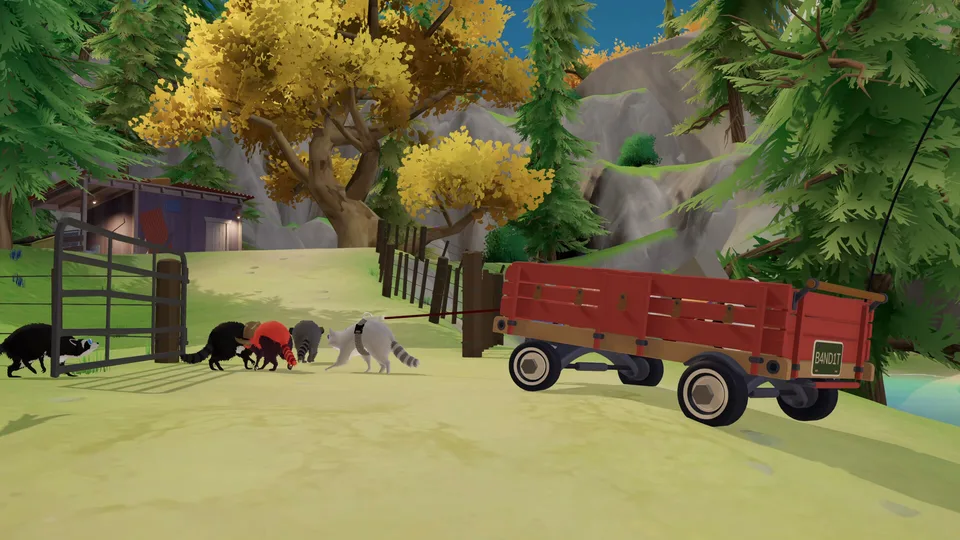
Chaotic Raccoon Physics Co-op Adventure
Trash Day Wiki
Escape Animal Control as a raccoon, steal a wagon, and haul valuable trash toward Raccoon Paradise. Team up to push, steer, and repair your wagon while using tools to overcome unpredictable physics-based hazards across six areas.
- Released Oct 13, 2026
- Demo Updated Aug 3, 2026
- Up to 6 Players
- 6 Full-Game Areas
- 16 Supported Languages
Popular Pages
Trending Now
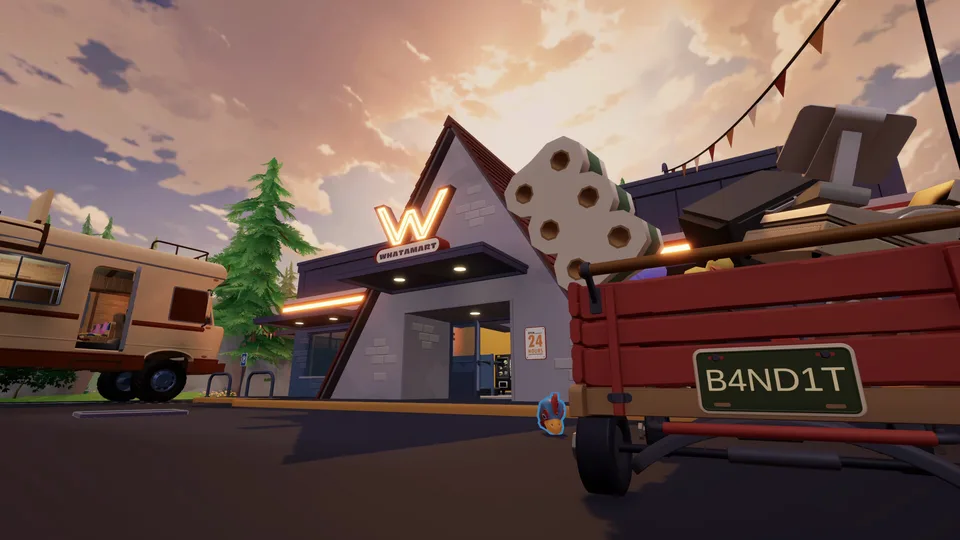
Stealing Trash
Master trash day stealing trash mechanics in Trash Day by Off by One Games. Learn co-op raccoon strategies, physics hauling, and survival tips.
Read More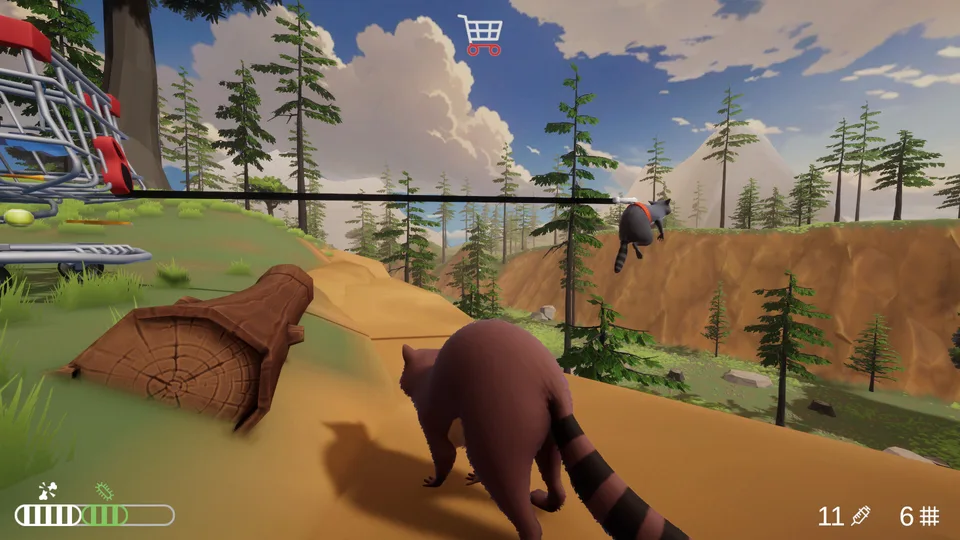
Wild Survival
Discover essential strategies for Trash Day on Steam. Learn how to scavenge effectively, deal with threats like Coojo, and survive the wild.
Read More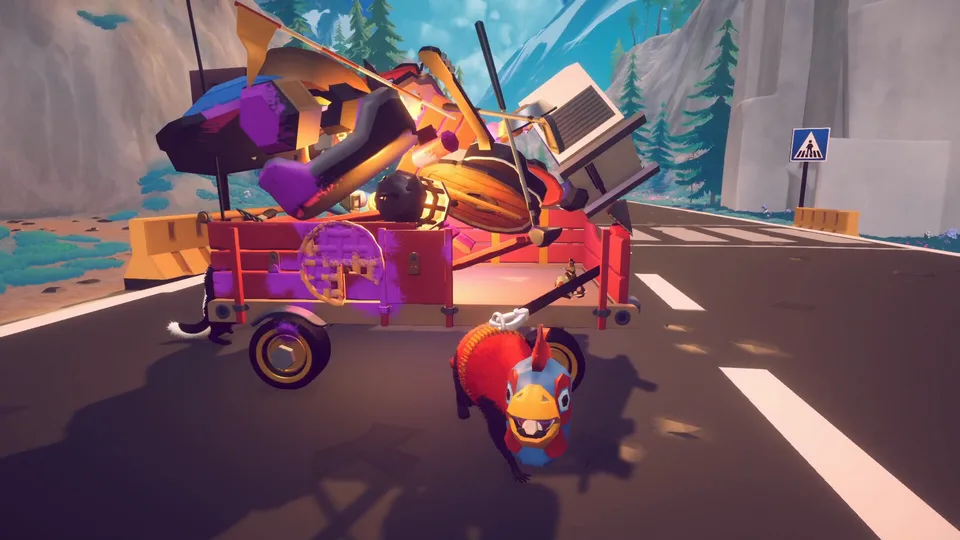
Cleanup Guide
Discover essential trash day cleanup tips, scheduling practices, and waste management strategies to keep your neighborhood clean and organized.
Read More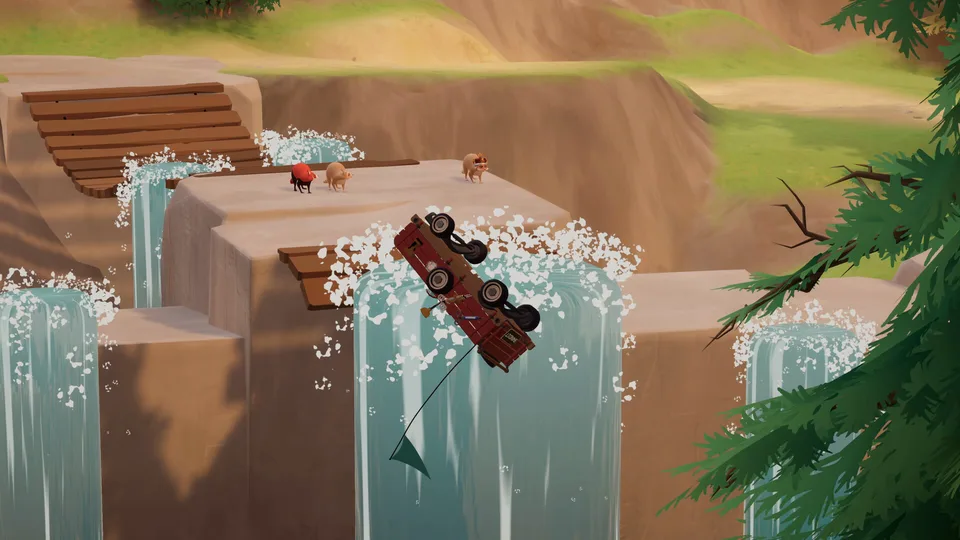
Money Guide
How payouts, checkpoint deposits, and shop purchases turn scavenged trash into upgrades.
Read More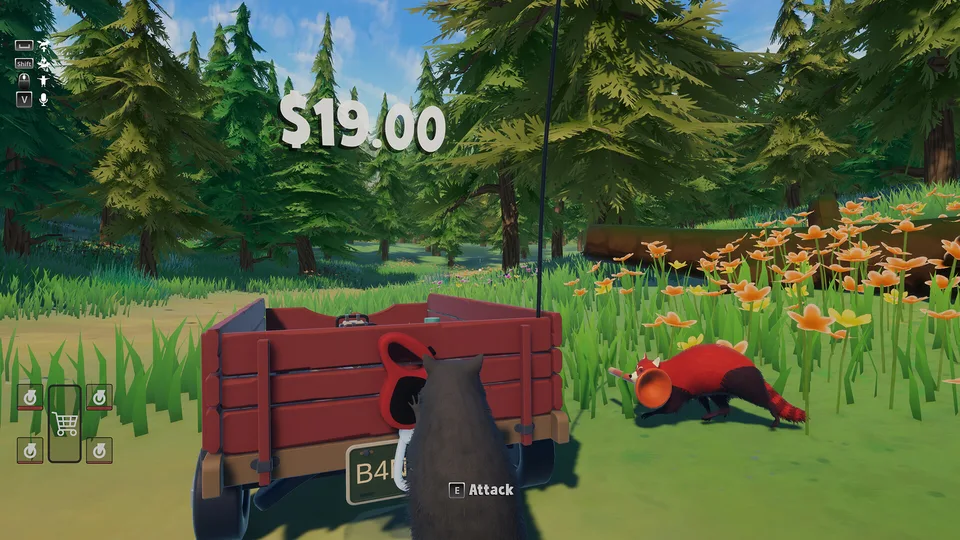
Shopping Cart
Wagon and cart handling explained: pushing, steering, and keeping the load under control.
Read More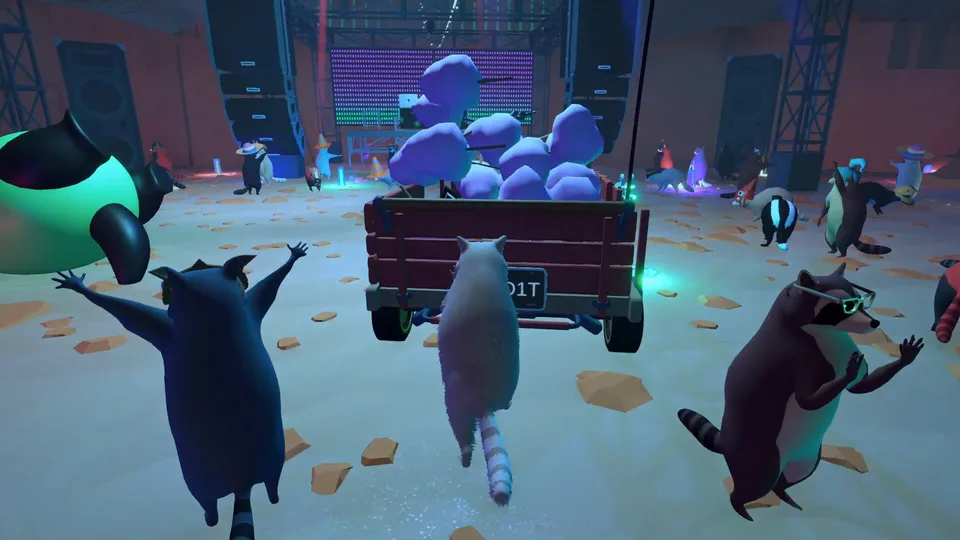
Multiplayer
How online co-op works for up to six raccoons, from lobbies to shared wagon roles.
Read More
What is Trash Day?
Trash Day is a physics-based raccoon adventure by Off by One Games for Windows PC on Steam. Play alone or in online co-op with up to six players, escape Animal Control, steal a wagon, and scavenge items to take to Raccoon Paradise.
The full game is described as spanning six areas, compared with one in the demo. Coordinate wagon handling, recover from overturned carts or lost wheels, use tools such as planks and bungee cords, and work around environmental hazards while customizing your raccoon.
Browse guides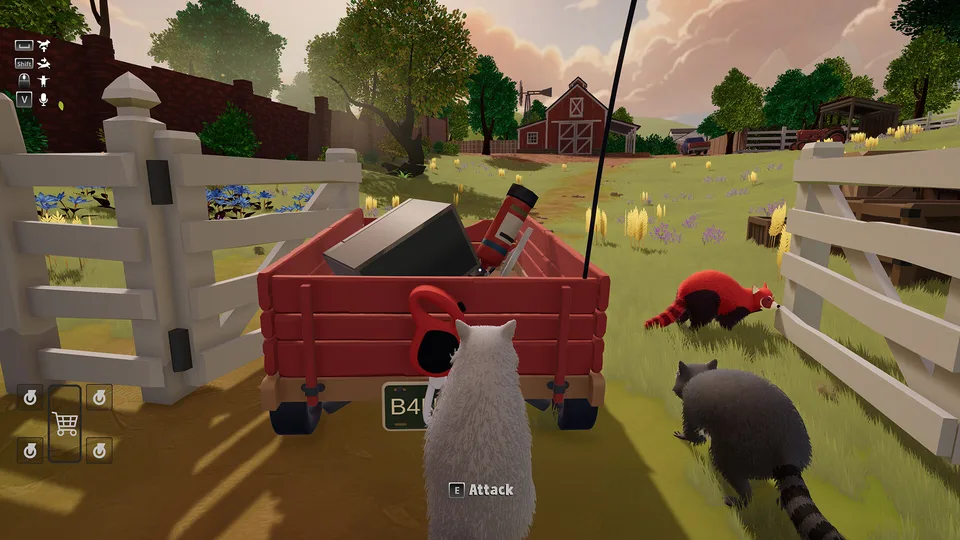
- Developer
- Off by One Games
- Platform
- Windows PC / Steam
- Genre
- Physics-Based Co-op Adventure
- Release Date
- October 13, 2026
- Players
- 1–6
- Full-Game Areas
- 6
- Languages
- 16
- Demo Released
- June 11, 2026
- Platforms
- Windows PC
- Genres
- Physics-Based Co-op Adventure
- Players
- 1–6
- Modes
- Single player, Multiplayer, Co-op
- Release date
- 2026-10-13
- Developer
- Off by One Games
Latest Updates
Start Here
- 1
Beginner Guide
Learn the escape-to-Raccoon-Paradise objective, how to form a squad, what to collect, and how to begin moving your stolen wagon.
- 2
Wagon Controls & Repairs
Understand pushing, steering, flipping an overturned wagon, and handling loose wheels before your team loses its cargo.
- 3
Trash & Loot Guide
Find useful equipment and valuable junk in trash cans, dumpsters, and wilderness areas, then learn how the demo handles checkpoint deposits and purchases.
- 4
Physics Tools & Hazards
Get familiar with bungee cords, planks, traffic, traps, rockslides, rivers, and aggressive wildlife using verified gameplay information.
Trash Day Wiki Hub
Eight researched guides covering everything from your first stolen wagon to every hazard between Animal Control and Raccoon Paradise.
Explore the wiki
Guides
Step-by-step Trash Day guides for wagon handling, scavenging, hazards, and co-op survival from Animal Control to Raccoon Paradise.
Platforms
Where Trash Day is available: Steam on Windows PC today, and what is confirmed about consoles.
Demo
What the free Trash Day demo includes, how it differs from the full game, and what to try first.
Multiplayer
How Trash Day online co-op works: lobby basics, six-raccoon squads, and teamwork for shared wagon runs.
Release
Trash Day launch details: the October 13, 2026 Steam release, pricing, and launch-day availability.
Media
Trash Day trailers, official media, and community highlights, from the release trailer to funny-moments compilations.
Comparisons
How Trash Day compares to similarly named or similarly themed raccoon and trash games.
Trash Day Beginner Guide
Learn how to start Trash Day, escape Animal Control, collect valuable trash, and transport your stolen wagon toward Raccoon Paradise. This beginner walkthrough explains the core gameplay loop, cooperative wagon handling, scavenging, checkpoints, and essential survival mechanics.
Escape Animal Control
Escape Animal Control, steal a wagon, and begin your journey toward Raccoon Paradise.
Scavenge the first cans
Search trash cans, dumpsters, and surrounding areas for valuable trash and useful tools.
Load and move the wagon
Load collected items into the wagon and coordinate pushing and steering with your teammates.
Use tools on obstacles
Use planks, bungee cords, and environmental interactions to overcome obstacles along the route.
Deposit and reinvest
Deposit valuable trash at checkpoints and use your earnings to purchase tools, wagon repairs, or cosmetics.
Push toward Raccoon Paradise
Progress through the six areas described for the full game while protecting your wagon and avoiding environmental hazards.
Trash Day Multiplayer Guide
Discover how Trash Day online co-op works, including lobby navigation, team size, and shared wagon transportation. Learn practical teamwork strategies for playing with up to six raccoons and understand multiplayer features documented in official developer updates.
Open Trash Day on Steam
Access the game's online cooperative multiplayer features through Steam.
Browse Join Game lobbies
Use the Join Game menu to browse available multiplayer lobbies, as documented in the developer's demo updates.
Gather up to six players
Assemble a group of up to six players in total, including yourself.
Split the wagon roles
Coordinate wagon movement by assigning players to pushing, steering, scavenging, and clearing obstacles.
Coordinate dangerous crossings
Use the game's multiplayer communication features to coordinate dangerous crossings and recoveries.
Match game versions
Keep game versions compatible when joining lobbies because official patch notes document version checks during multiplayer searches.
Trash Day Map and Areas Guide
Explore the locations and progression route in Trash Day, from Animal Control through the wilderness toward the junkyard and Raccoon Paradise. The full game officially features six areas, while the developer's demo updates identify additional landmarks, checkpoints, and route challenges without publishing a complete verified list of all six area names.
Six Areas
The full game features six areas, including five additional areas beyond the single overall area represented in the demo.
Animal Control
The starting location where the raccoons are imprisoned before escaping and stealing their wagon.
Wilderness
Outdoor environments containing scavenging opportunities, environmental obstacles, and wildlife encounters.
Mountain Pass
A location documented in official demo patch notes, including a checkpoint at its beginning and adjustments to difficult terrain.
Rest Stops
Route landmarks documented in developer updates, including the first rest stop, map guidance, and checkpoints near road crossings.
Junkyard
A destination along the scavenging journey explicitly mentioned in the full game's official description.
Raccoon Paradise
The ultimate destination of the raccoons' journey and the central objective of the full adventure.
Trash Day Wagon Repair Guide
Learn how to push, steer, recover, and repair the wagon that carries your collected trash throughout Trash Day. This guide covers detached wheels, overturned wagons, tightening tools, and physics-based transportation challenges confirmed by the developer.
Push and steer together
Push and steer the wagon cooperatively while transporting your collected trash through the environment.
Read the terrain ahead
Navigate carefully around difficult terrain and hazards because wagon movement and wheel damage are affected by the game's physics systems.
Flip an overturned wagon
If the wagon overturns, use the recovery interaction shown near its front attachment to pull it upright, as documented in demo patch notes.
Reattach loose wheels
Reattach a detached wheel to the wagon when a wheel comes loose.
Tighten with the impact wrench
Use an impact wrench to tighten attached wheels, following the game's contextual interaction prompts.
Cross hazards with cords and planks
Use bungee cords, planks, and teamwork to transport the wagon across challenging sections involving traffic, rockslides, traps, and water.
Trash Day Items and Upgrades Guide
Discover the tools, collectible trash, repair equipment, and purchasable upgrades documented for Trash Day. Learn what confirmed items do, how scavenging supports progression, and which customization and shop features appear in official developer announcements.
Bungee Cords
Physics-based utility equipment used to help move the wagon through environmental obstacles.
Planks
Interactive objects used in physics puzzles and improvised solutions to transportation challenges.
Impact Wrench
A documented repair tool for tightening wagon wheels after attachment.
Adrenaline
A revival mechanic documented in official patch notes, allowing players to revive incapacitated teammates.
Valuable Trash
Scavenge items from trash cans, dumpsters, and the environment, then deposit valuable finds at checkpoints.
Vending Machines
Purchasing interfaces documented in developer updates, with shops offering tools, wagon repairs, and cosmetic options.
Raccoon Cosmetics
Official demo updates confirm a customization menu for selecting raccoon skins and collar accent colors.
Trash Day Hazards and Enemies Guide
Prepare for dangerous animals, environmental traps, and physics-based obstacles throughout the Trash Day journey. This guide identifies officially documented hazards and explains how they affect raccoons, teammates, and wagon transportation without inventing enemy statistics or unconfirmed combat mechanics.
Guard Dogs
Hostile animals documented in the demo that can pursue raccoons. Developer updates confirm that sleeping dogs react when struck by thrown objects or attacked.
Bee Swarms
Environmental wildlife hazards associated with beehives, with swarm behavior discussed in official patch notes.
Highway Traffic
Fast-moving vehicles create dangerous crossing challenges for players transporting their wagon.
Bear Traps
Interactive traps confirmed in official gameplay descriptions and developer updates.
Rockslides
Falling rocks threaten wagon transportation, with developer updates specifically discussing wagon damage caused by rockslides.
River Crossings
Water obstacles appear in the full game's official description as challenges requiring physics-based wagon movement.
Difficult Terrain
Narrow routes, mountain terrain, and uneven surfaces create navigation problems addressed in several official demo patches.
Trash Day Controls Guide
Find documented Trash Day keyboard, mouse, and controller interactions for movement, biting, throwing objects, camera control, and equipment use. Official demo patch notes establish several bindings and customizable options, although players should verify their current bindings in the installed game because controls may change between versions.
Bite
The June 2026 demo update changed the default Bite binding to the left mouse button.
Look Behind
The July 2026 demo update documents Left Control on keyboard or right-stick press on controller for the Look Behind action.
Drop and Throw
The Drop/Throw action appears in the keybindings menu and can be rebound, according to official patch notes.
Attack and Use
The developer renamed the Attack binding to Attack/Use and added an on-screen binding indicator.
Sprint
Sprint is included in the standard controls and keybindings interface, as confirmed by official updates.
Camera Options
Camera Distance and Look Sensitivity are documented settings, with the latter also affecting controller look speed.
Controller Support
The official Steam page lists full controller support and identifies Xbox and DualSense controllers.
Trash Day Release Date and Demo Guide
Check the official Trash Day release date, Steam availability, demo information, and differences between the demo and full adventure. The developer announced October 13, 2026 as the Steam launch date and confirmed that the complete game expands beyond the demo with additional areas, obstacles, and a full soundtrack.
Release Date
October 13, 2026 is the officially announced Steam release date.
Developer
Off by One Games, an independent development studio whose team members previously worked on Rocket League.
Steam
The official full-game Steam App ID is 3314580.
Free Demo
The free demo became available in June 2026, with a separate Steam demo listing and official Steam Next Fest announcement.
Demo Content
The demo previews physics-based cooperative scavenging, wagon transportation, hazards, and multiple zones within one overall area.
Full Game Content
The full adventure expands to six areas, adding five areas beyond the demo together with new obstacles and a full soundtrack.
PC Requirements
The official Steam listing specifies Windows 10 64-bit, 8 GB RAM, and 5 GB available storage as part of its minimum requirements.
Game Modes
Steam lists single-player and online cooperative play, with multiplayer supporting up to six players.
Trash Day FAQ
Common questions about Trash Day for Steam players, demo explorers, solo scavengers, and co-op raccoon squads.
When did Trash Day release on Steam?
Trash Day launched on Steam for PC on October 13, 2026. Off by One Games had announced that date in advance, and the full game is now available with six areas.
How many people can play Trash Day together?
Trash Day supports online cooperative play for up to six players in one raccoon squad, meaning you can play with as many as five friends.
Can Trash Day be played solo?
Yes. The Steam store lists single-player support, but the developer explains that managing the wagon alone is more difficult than coordinating with a group.
Is there a Trash Day demo on Steam?
Yes. Trash Day Demo is a separate Steam listing under App ID 4666330, released June 11, 2026. The developer says the demo covers one area rather than the full game's six.
What is the main objective in Trash Day?
Escape Animal Control, steal a wagon, scavenge trash and useful supplies, and haul your load through six areas toward Raccoon Paradise.
What tools and obstacles appear in Trash Day?
The official description names bungee cords and planks for wagon physics, plus hazards such as traffic, bear traps, rockslides, and a river. The demo announcements also identify dogs and bee swarms.
Can you customize your raccoon in Trash Day?
Yes. The July 2, 2026 demo patch added a customization menu with raccoon skin selection and collar accent colors. The main Steam description also mentions hats.
Does Trash Day support controllers?
Yes. Steam lists full controller support and identifies Xbox and DualSense controllers among supported controller types.
What are the minimum PC requirements for Trash Day?
The current Steam minimum is Windows 10 64-bit, 8 GB RAM, an Intel Core i3-10100 or AMD Ryzen 3 3100, an NVIDIA GTX 1650 or AMD RX 570 with 4 GB VRAM, and 5 GB of free storage.
Is Trash Day available on consoles or Roblox?
The developer's official fact sheet confirms PC through Steam. No verified official release page currently establishes a PlayStation, Xbox, Nintendo Switch, or Roblox edition of this game.
Ready for Trash Day?
Build your raccoon squad, learn to handle the wagon, and use our guides to scavenge more effectively, survive obstacles, and explore all six areas.